Why a device mockup is useful
A raw screenshot is the truth of the interface. It is also a rectangle on a blank page. Product sites, docs, and app listings usually need the interface to look like something a person would hold: a phone, a tablet, a laptop, with a bezel and a bit of perspective.
A photoshoot can do that. So can a designer spending an afternoon in a 3D tool. Most of the time you need a still for a landing page by Thursday, not a campaign. A device mockup is the middle path: drop the screenshot onto a model, pick an angle, export a picture.
That picture will not replace photography for packaging or press. It will replace the flat PNG with a white border that makes every product look like a wireframe.
A screen on a model, not a frame around a PNG
A 2D frame is a picture of a phone with a hole in it. You paste the screenshot into the hole. It is fast, and it looks pasted: the glass does not catch light, the screen does not recede, the device never turns in space.
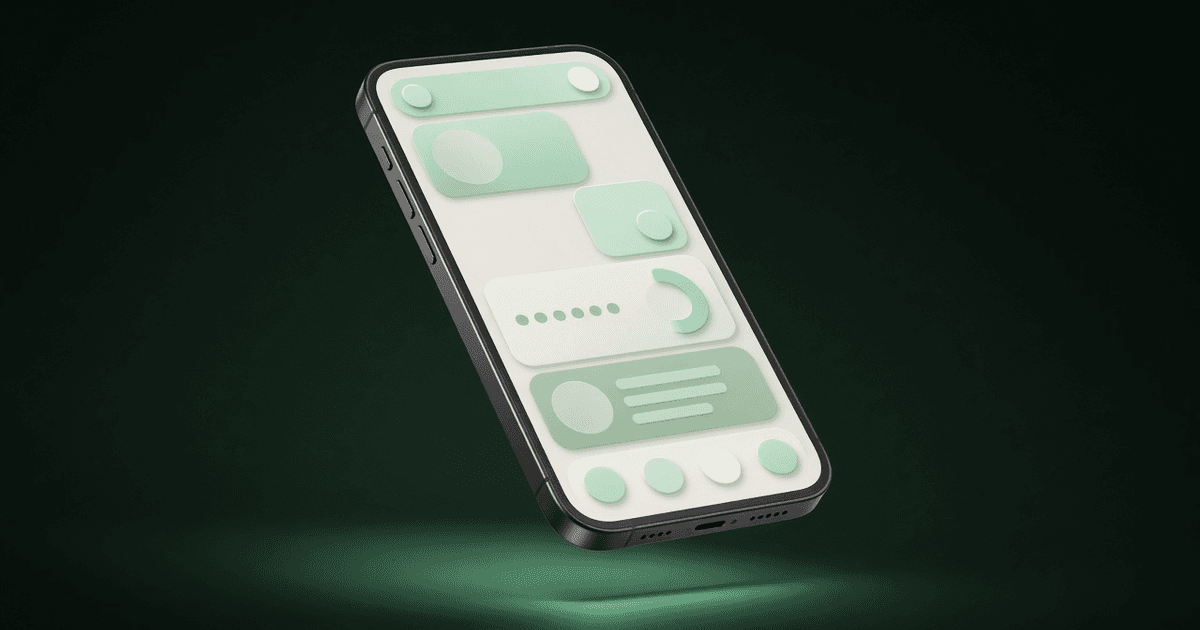
A 3D mockup maps the screenshot onto the screen of a model. Change the camera and the UI moves with the glass. Highlights run along the edge. The device can sit on a surface or float. The interface reads as an object in a room, which is closer to how people see an app.
You still need a clean screenshot — status bars cropped on purpose, no dummy Latin if you can avoid it, a size that matches the model’s aspect. The 3D step does not fix a messy capture. It only gives that capture a body.
What “export locally” means
Some mockup tools upload your screenshot to a server, render there, and send a file back. That is fine for a public marketing site. It is a poor fit for an unreleased UI, a patient record, or a dashboard with real names on it.
Exporting locally means the composite is built on the machine in front of you. You choose the device, place the screen, and download a PNG. The screenshot does not need to travel to a render farm for the picture to exist.
“Locally” is not a slogan. It is a boundary: if the file never leaves the browser, you can mock a build that is not public yet. If the tool needs a network round-trip to draw the device, read the privacy page before you drop a sensitive screen onto it.
When a mockup is the wrong tool
Do not use a glossy phone model to hide an unfinished interface. Do not pretend a 3D render is a photograph of a device in someone’s hand. And if the product is a CLI or a settings panel that nobody holds, a device can look like costume.
Used plainly, a mockup answers a small question: what does this screen look like on the object it belongs to? That is enough for a product page, a changelog, or a store listing that needs more than a rectangle.
Mewix is MeldZee’s browser toolbox, including 3D device mockups you export locally. This note is useful whether you use that tool or another.
Mewix on the products page